Verify the download
For supported installs, Tapid compares the package archive with the registry's checksum. A mismatch stops installation.
Tapid is a free package manager that verifies downloads against registry checksums and keeps dependency install scripts disabled. Know exactly which packages enter your project.
Available for macOS, Linux, and Windows.
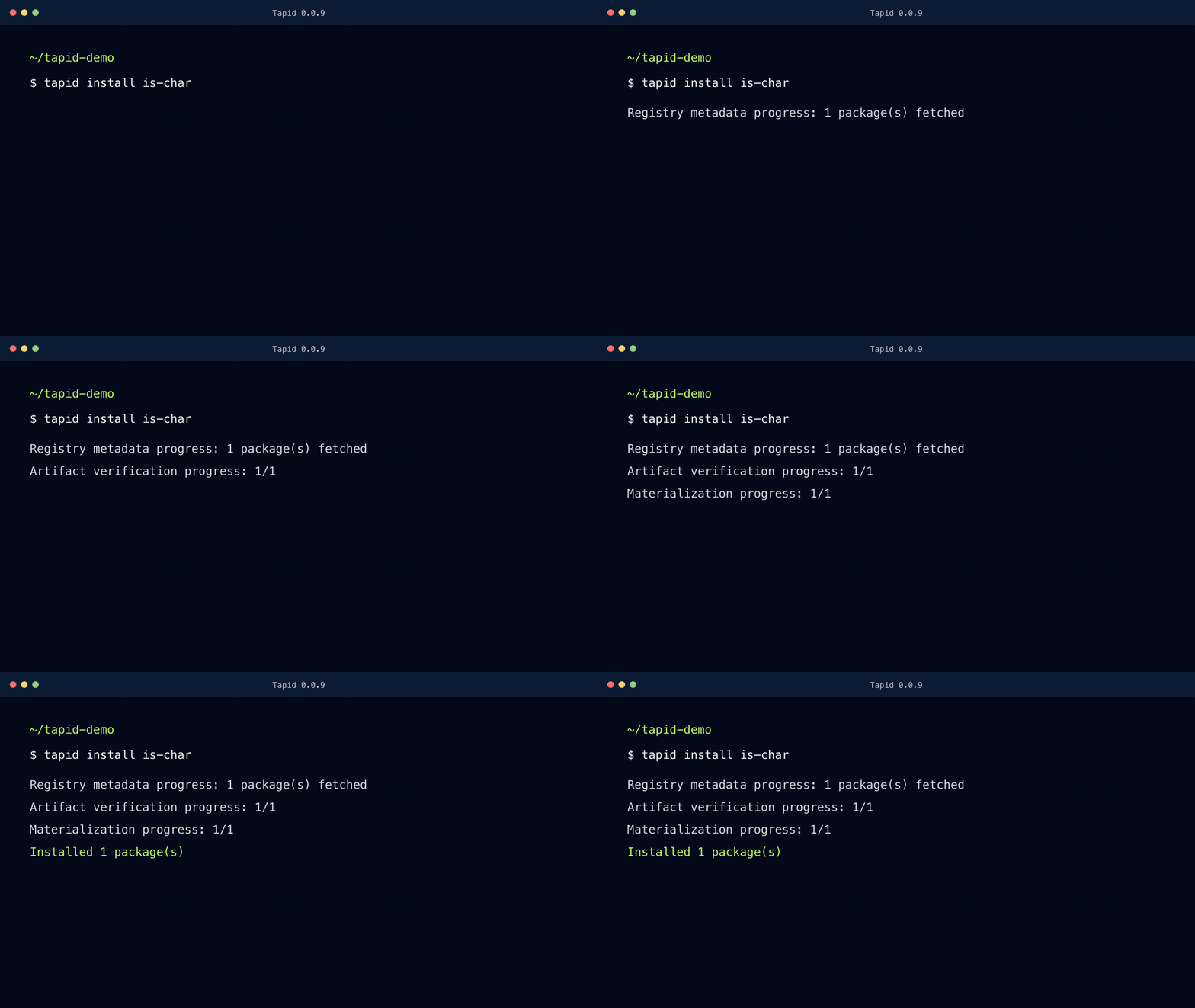
Tapid checks the download before changing your project. It records the result in tapid.lock so you can inspect what entered the dependency tree and reuse the same inputs later.
For supported installs, Tapid compares the package archive with the registry's checksum. A mismatch stops installation.
The lockfile records package identities and dependency relationships. Frozen installs check that record before reusing the verified inputs.
Installing a dependency does not automatically run its setup code. Tapid keeps dependency lifecycle scripts disabled.
The CLI is free to use on macOS, Linux, and Windows. It supports a limited set of npm-compatible installs, with experimental JSR support. Check the documentation for the workflows supported today.
A matching checksum can still belong to a malicious package. We are developing AI scanning to examine new dependency versions for signs of malicious code before organizations adopt them.
The scanning service is not available yet. We are considering pricing based on the packages an organization uses; pricing is not final.
Start with the free Tapid CLI. Verify downloads, record exact dependencies, and review changes before they reach your project.
Get the free CLI